Import Demo Widget Settings
Widget Importer & Exporter allows you to migrate widgets for whatever layout you would like to use!
Install all recommended plugins before continuing.
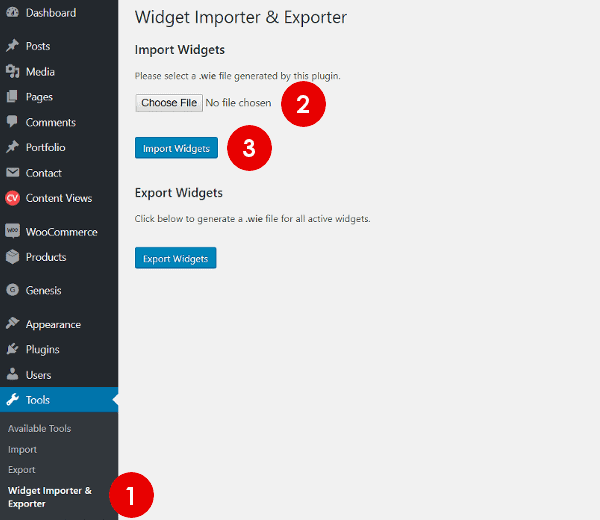
- Navigate to Tools >> Widget Importer & Exporter.
- Unzip "Midnight-Theme_unzip_this_archive.zip", go to demo folder and Choose the widgets-demo.wie file with the number that corresponds to the layout you want for your homepage.
- Click Import widgets.
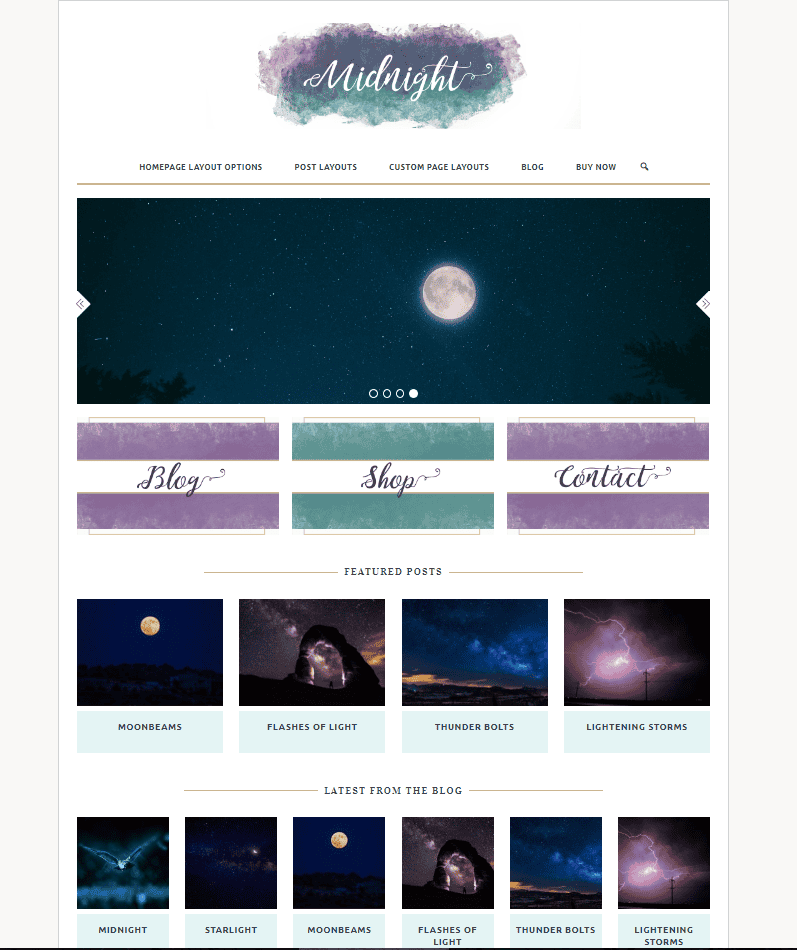
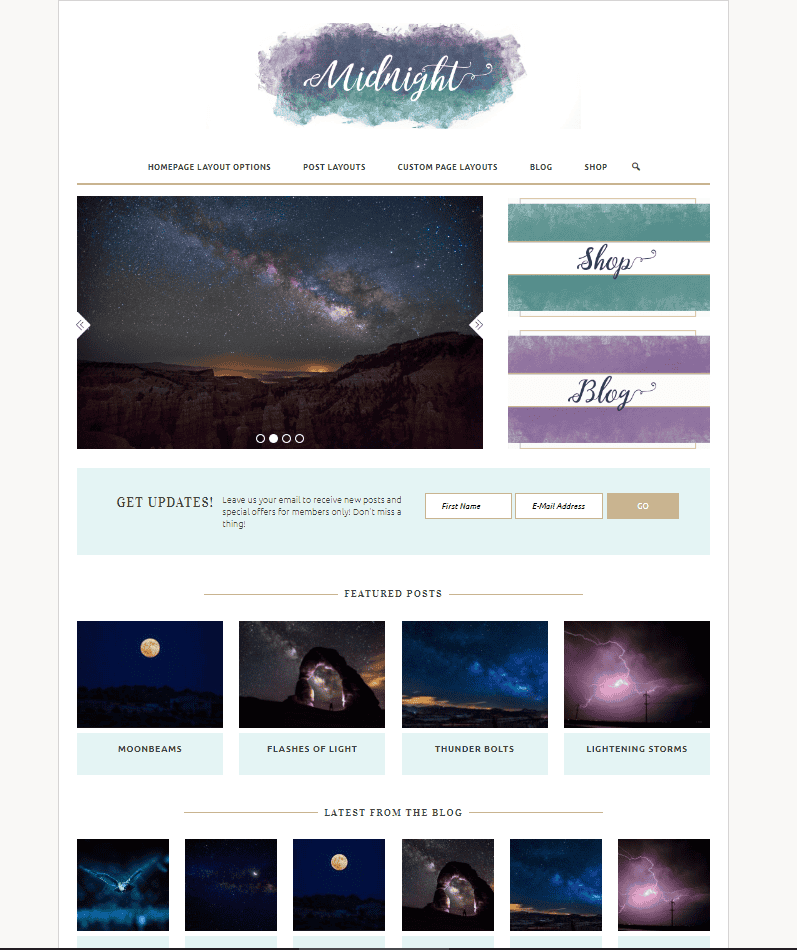
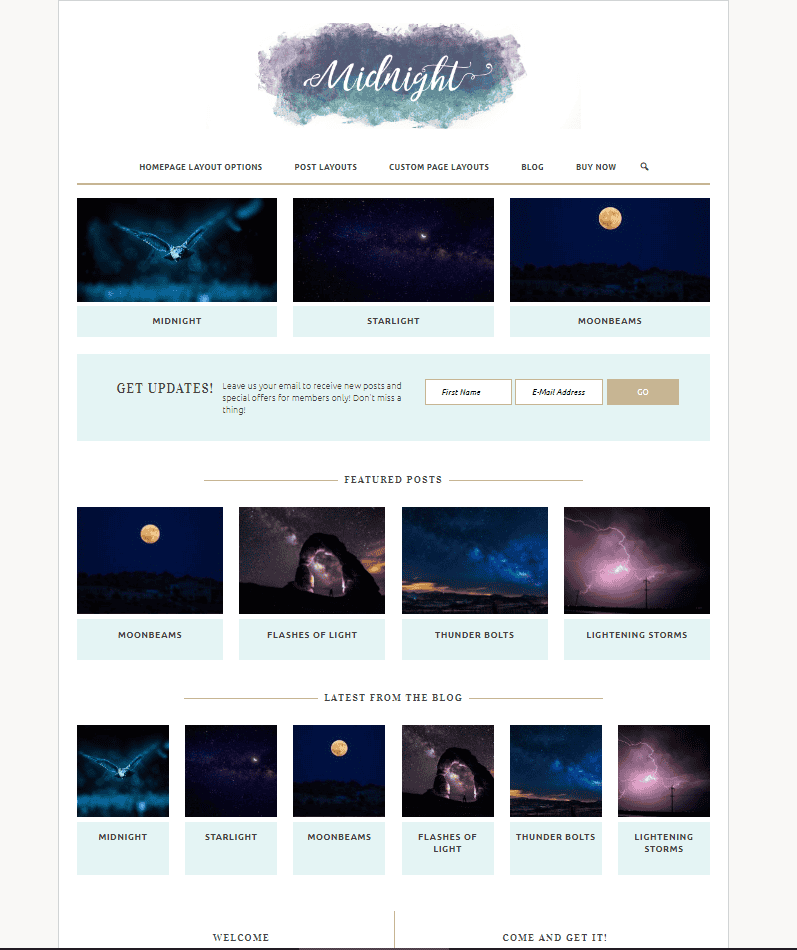
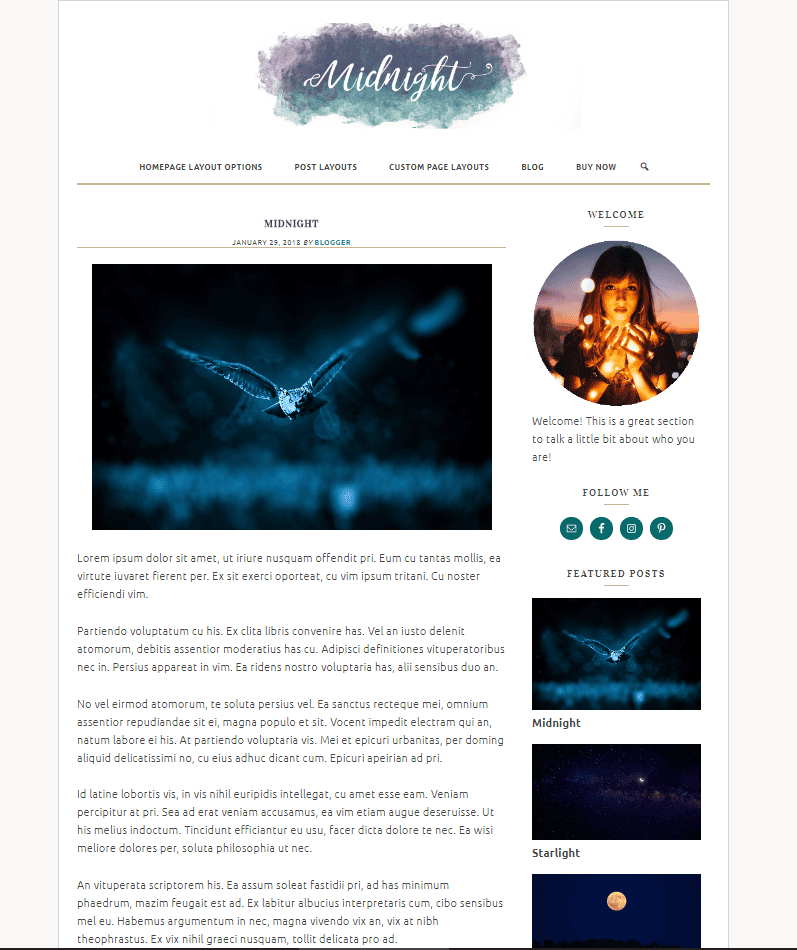
Note: You have 4 homepage layout options
HOMEPAGE LAYOUT 1

HOMEPAGE LAYOUT 2
HOMEPAGE LAYOUT 3
HOMEPAGE LAYOUT 4